
A Florida permit applicant can receive engineering drawings that appear properly signed and sealed by a licensed Professional Engineer and still have the files rejected by a city or county electronic permitting portal.
That does not automatically mean the engineer is unlicensed, the PE seal is fraudulent, or the engineering work is invalid.
In many cases, the problem is much more specific: the electronic plan-review system cannot verify the signing method, digital certificate, certificate chain, or authentication format used on the submitted PDF.
This distinction matters because Florida recognizes specific methods for signing and sealing engineering documents, while individual cities, counties, and other Authorities Having Jurisdiction (AHJs) may also establish technical requirements for electronic plan submission.
For example, a permit portal may require a third-party verified digital signature that can be authenticated through a recognized Certificate Authority. If the system cannot establish that trust, the plans may fail validation even though a professional seal is visibly displayed on the drawings.
Understanding the difference between a professional engineering seal and electronic certificate validation can prevent unnecessary confusion, delays, accusations of fraud, and repeated permit resubmittals.
This guide explains how Florida PE digital signatures work, what third-party verification actually means, why errors such as “root certificate not trusted” occur, and what to do when a signed and sealed plan fails electronic validation.
What Does a Florida PE Seal Actually Mean?
When a Florida Professional Engineer signs, dates, and seals an engineering document, the seal represents professional responsibility for the engineering work contained in that document. Signing and sealing is not simply the placement of a graphic stamp on a drawing.
It identifies the responsible engineer, authenticates the professional document, and establishes accountability for the engineering work being issued. Florida engineering signing-and-sealing requirements are addressed under Chapter 61G15-23 of the Florida Administrative Code.
Within those rules, Florida distinguishes between physical signing and sealing, digital signing and sealing, and electronic signing and sealing. Those methods should not be treated as interchangeable.
A PE Seal Image Is Not the Same as a Valid Digital Signature
One of the most common misunderstandings occurs when a client opens a PDF and sees a professional engineering seal, signature, date, and license number. Visually, the document may look complete. For an electronic permit submission, however, appearance alone may not be enough.
The permitting system may also need to electronically determine who signed the document, whether the electronic identity belongs to that signer, whether the document has been modified since signing, and whether the authentication method satisfies the jurisdiction’s submission requirements. A copied image of a PE seal cannot perform this verification.
Similarly, simply locking, flattening, encrypting, or password-protecting a PDF does not turn the document into a properly digitally or electronically signed engineering original. The visible PE seal and the electronic authentication mechanism perform different functions.
The Three Florida Signing-and-Sealing Methods You Should Understand
1. Physical Signed-and-Sealed Engineering Documents
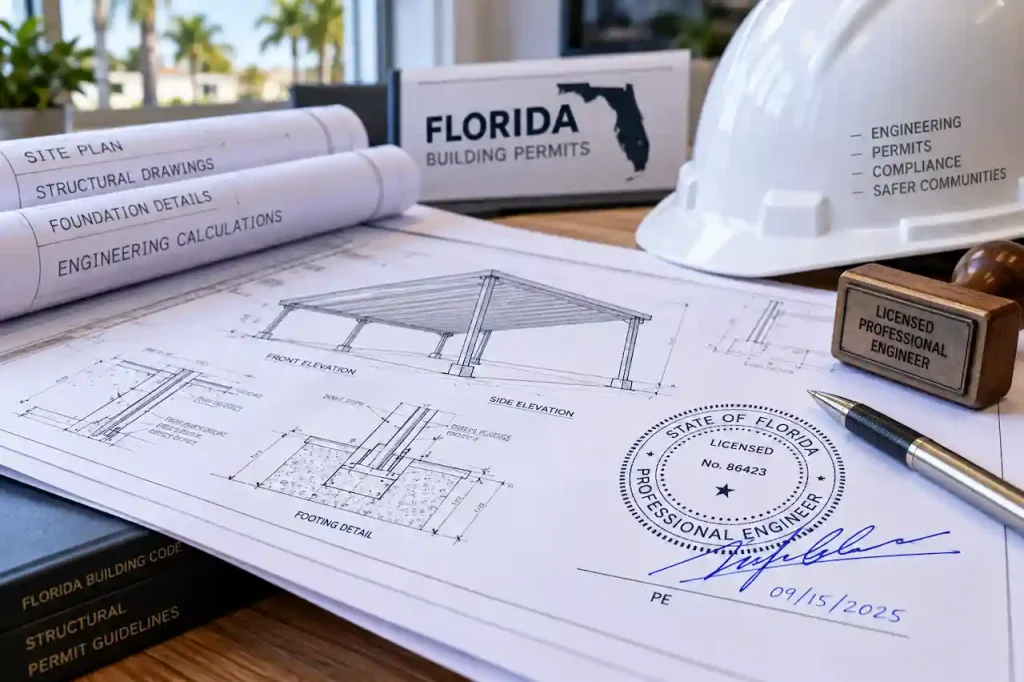
The traditional method involves a Professional Engineer physically signing, dating, and sealing the engineering document. The professional seal may be applied in an accepted physical form, while the engineer’s signature is handwritten. This method remains relevant when an authority accepts original paper documents.
However, scanning a physically signed sheet and creating a PDF does not automatically turn that scan into an electronically verifiable signed original. That difference becomes especially important when permits are being submitted entirely through an online plan-review portal.
2. Digitally Signed-and-Sealed Engineering Documents
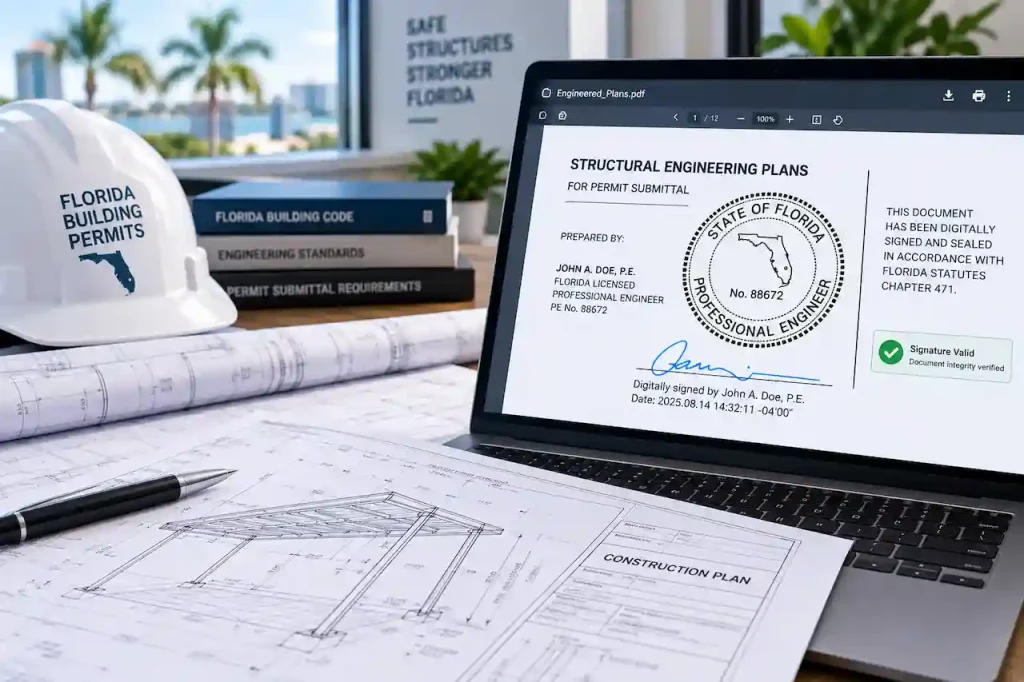
Florida’s certificate-based digital-signature method is governed by Rule 61G15-23.004, F.A.C. Under this method, the digital signature must be associated with the engineer, capable of verification, under the engineer’s control, and linked to the document in a way that allows later changes to be detected.
A key point is often misunderstood:
- Third-party certification is part of the Florida digital-signature method.
It should not be described simply as an optional premium upgrade added to an ordinary digital stamp. The digital certificate used for this type of signing is issued through a third-party certification authority and provides the cryptographic trust mechanism that allows the receiving system to authenticate the signature.
Software such as Adobe Acrobat may be used to apply a valid certificate-based signature, but using a self-created or self-authenticated signature inside the software is not necessarily the same as using a compliant third-party digital certificate.
3. Electronically Signed-and-Sealed Engineering Documents
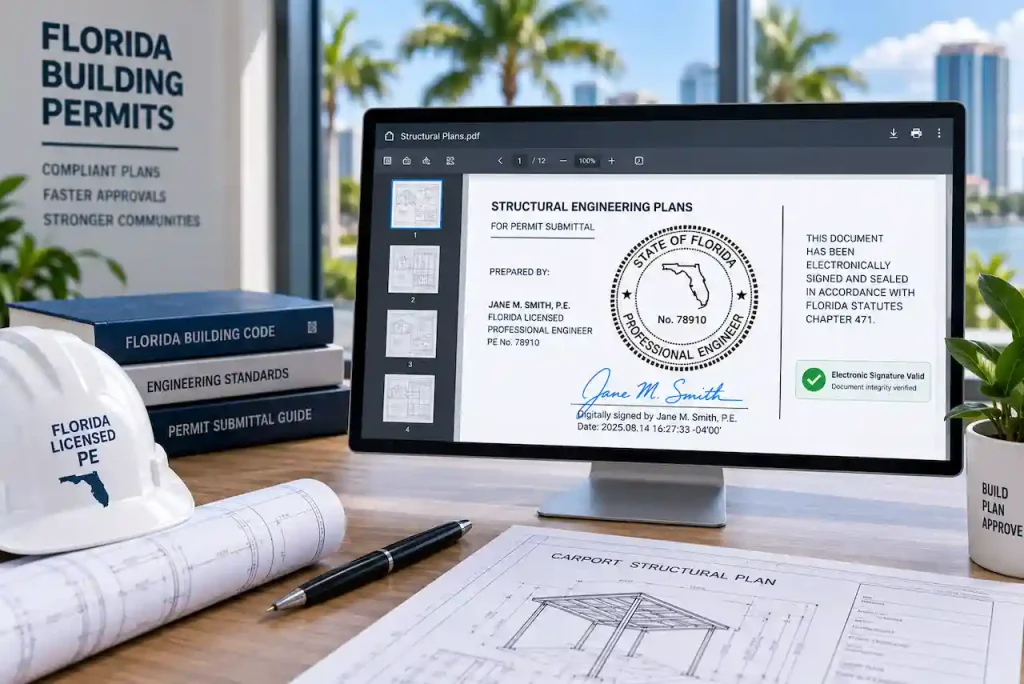
Florida also recognizes a separate electronic-signing method under Rule 61G15-23.005, F.A.C. This should not be confused with certificate-based digital signing. The electronic-signature method uses a different authentication process and associated signature information to demonstrate that the document has been properly authenticated.
Digital signing and electronic signing are therefore two separate methods under Florida’s engineering rules. For clients, contractors, and permit applicants, this terminology matters because an AHJ may specifically request a certificate-based digital signature even though another legally recognized signing method exists.
What Does “Third-Party Verified PE Stamp” Actually Mean?
The phrase third-party verified PE stamp is commonly used by clients and permit applicants, but it is not the most precise technical description.
What the jurisdiction generally wants is a:
- Digitally signed and sealed engineering document using a digital certificate issued through a third-party Certificate Authority, with a certificate chain that the receiving system can verify.
The Certificate Authority, often abbreviated as CA, provides the digital certificate associated with the signer. That certificate allows compatible software or a permit portal to electronically authenticate the signature. The professional seal itself is still important, but the certificate is what provides electronic identity and trust verification within the digital-signature workflow.
What Is a Certificate Chain?
Digital certificates generally rely on a chain of trust.
In simplified form, it works like this:
Professional Engineer’s Digital Certificate
↓
Intermediate Certificate Authority
↓
Trusted Root Certificate Authority
The permitting software attempts to trace the engineer’s certificate back through the chain to a trusted root. When that process succeeds, the software can establish electronic trust in the signing certificate. When it fails, the user may receive a certificate-validation warning.
Permit Portal Validation Failure vs Fraudulent PE Seal
These are two very different problems. A professional-authenticity problem would involve issues such as an unauthorized person using an engineer’s seal, forged professional credentials, altered engineering documents, a copied signature, or someone falsely representing themselves as a licensed Professional Engineer.
A portal-validation problem is different. The engineer may be legitimate and the drawings may have been properly engineered, while the electronic submission still fails because the permit platform cannot validate the certificate, signing method, document integrity, or certificate chain.
This distinction is especially important when communicating with a client. A permit-system error should be investigated technically before anyone concludes that the PE stamp itself is fraudulent.
Why Different Florida Cities Can Treat the Same PDF Differently
Florida establishes professional requirements governing how engineers sign and seal their work. The local AHJ controls how permit documents must be submitted through its filing system. Those two responsibilities overlap, but they are not identical.
One jurisdiction may accept a particular compliant submission method, while another may require its applicants to use a particular certificate-based workflow for electronic plan review.
That is why permit applicants should always check the requirements of the specific city or county reviewing the project rather than assuming one signing process will be accepted everywhere in Florida.
City of Orlando: A Useful Real-World Example
The City of Orlando is a good example of why this distinction matters. For construction documents requiring professional signing and sealing, Orlando’s electronic review procedures require an appropriate third-party verified digital signature or seal.
Orlando uses an electronic plan-review workflow, which means the PDF must satisfy more than the visual requirement of displaying a professional seal. The electronic document also needs to pass the technical validation process used by the plan-review system.
Therefore, a file may contain a genuine Florida PE seal and still require correction if its electronic signature cannot be properly authenticated by the portal.
Miami-Dade: Why Scanned Signed Plans May Not Be Enough
Miami-Dade County also provides procedures for submitting signed and sealed documents electronically. For an electronic submission, simply printing the plans, applying a wet signature and professional seal, and scanning the sheets may not satisfy the digital submission requirements.
The jurisdiction’s electronic permitting process is designed around electronically verifiable originals rather than images of physically signed originals. This is why permit applicants should avoid assuming:
“I can see the stamp on the PDF, so the permitting system must accept it.”
Electronic acceptance depends on both professional compliance and the technical submission requirements of the reviewing authority.
Florida Digital Signature vs Electronic Signature
| Issue | Digital Signature | Electronic Signature |
|---|---|---|
| Florida rule | 61G15-23.004 | 61G15-23.005 |
| Primary authentication approach | Third-party digital certificate | Electronic authentication process |
| Third-party Certificate Authority | Part of the digital-signature method | Different authentication framework |
| Electronic verification | Certificate-based | Authentication-based |
| Detects document changes | Yes | Verification mechanism applies |
| Same Florida method? | No | No |
| Suitable for every AHJ automatically? | No | No |
The most important point is that digital and electronic are not simply two names for the same signing method. The appropriate method should be selected based on Florida professional requirements and the electronic filing requirements of the AHJ.
Why a Scanned Wet Stamp Usually Does Not Fix a Digital Permit Rejection
When a digital signature fails validation, one common response is to ask the engineer to print the drawings, wet-sign and seal them, scan them, and upload the scan. For many electronic plan rooms, that does not solve the actual problem.
The portal may be looking for a verifiable electronic original rather than a scanned image of a physical original. If the AHJ requires electronic certificate verification, the better approach is to identify its exact digital-signature requirements and have the Professional Engineer issue the final document using the required method.
Never Edit the PDF After the PE Digitally Signs It
This is one of the most important workflow rules for digitally signed engineering plans. A properly configured digital signature is connected to the signed document so that subsequent changes can be detected.
After the engineer digitally signs the final plan set, the drafter, contractor, owner, or permit applicant should not casually modify the PDF. Even apparently minor changes can cause signature problems.
The correct workflow should be:
Finalize drawings → engineering review → required revisions → final PE signing/sealing → submit the original signed file
If a drawing correction is needed after signing, the source drawings should normally be revised first. The Professional Engineer can then review the revised package and issue a newly signed final document.
What Should You Do If a Permit Portal Rejects the Digital Signature?
Do not immediately conclude that the professional seal is fake. Work from the exact technical information provided by the permitting authority.
If you already have a city or county rejection notice, use our Florida Permit Rejection Analyzer to help identify the issue before preparing your response or resubmittal.
- Save the complete rejection message. Keep the original wording and take a screenshot if possible. “Root certificate not trusted” provides much more useful information than simply saying “the stamp was rejected.”
- Check the exact AHJ requirements. Review the city’s or county’s electronic plan instructions, ProjectDox requirements, digital-signature procedures, or permit-submission manual.
- Send the technical rejection to the Professional Engineer. The engineer needs to know what the portal could not validate.
- Do not modify the signed PDF. Work from the original file issued by the engineer.
- Have the PE reissue the document when necessary. Depending on the error, this could involve the certificate, certificate chain, signature configuration, expiration, or signing method.
- Resubmit the original corrected signed file. Make sure the PDF uploaded to the portal is the same final document issued by the engineer.
A clear message to the engineer would be:
The permit portal is reporting that it cannot verify the certificate chain/root certificate associated with the signed file. Please review the attached validation notice and issue the final signed and sealed document using the signing method required by the AHJ.
That is much more useful than simply stating that the PE stamp was rejected.
Who Is Responsible for the Digital Signature?
Successful electronic permit submission normally involves several parties. The Professional Engineer is responsible for properly signing and sealing the engineering documents issued under their professional responsibility.
The designer or drafter is responsible for making sure the drawings being presented for engineering review are the correct final documents. The permit applicant is responsible for uploading the correct files in accordance with the AHJ’s filing requirements.
The building department or electronic plan-review system determines whether the submitted file passes its technical acceptance checks. A breakdown at any point in this process can lead to a rejected submission even when the underlying engineering itself is acceptable.
How Site Plans FL Handles PE Digital-Signature Coordination
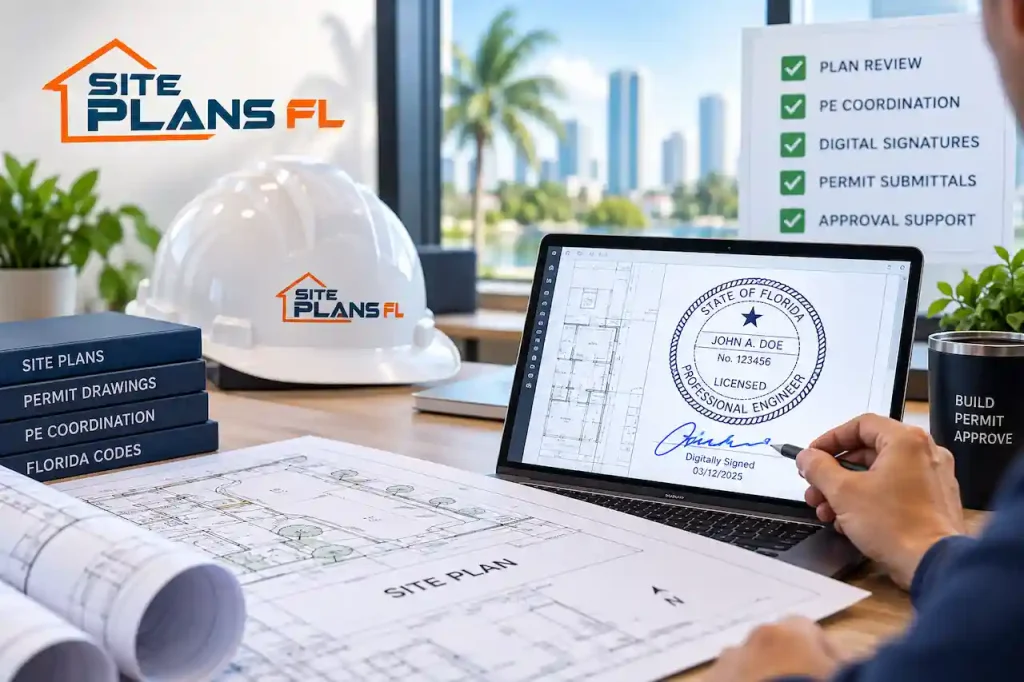
Site Plans FL assists property owners, contractors, developers, and other permit applicants with the preparation and coordination of permit drawing packages throughout Florida.
Where professional engineering is required, our role can include coordinating the drawing package with the appropriate engineering professional and helping make sure the final permit documents are prepared for the jurisdiction’s submission process.
If a city or county has a special digital-signature requirement, it is best to provide that information before the final engineering package is issued. If you have already received a portal rejection, send us the actual rejection instead of trying to interpret it yourself.
For engineering-related permit services, visit our Florida PE Stamp & Engineering Review page.
What to Send Us After a Digital-Signature Rejection
To review the issue efficiently, provide the complete project information rather than only sending a screenshot of the PE seal.
- Property address and jurisdiction
- Complete permit rejection or portal-validation message
- Exact PDF file that was submitted
- Current drawing set
- Permit or application number, if available
- Engineering calculations or supporting documents, where applicable
- Any digital-signature instructions issued by the city or county
This information helps determine whether the problem relates primarily to digital-signature validation, drawing revisions, engineering scope, permit formatting, or another plan-review correction. For an existing rejection or plan-review comment, visit Florida Permit Corrections & Resubmittals.
Other Permit Documents That May Require Signed and Sealed Originals
Digital-signature requirements are not limited to structural framing plans.
Depending on the project, applicable regulations, and professional scope, engineering documents can include structural calculations, foundation plans, structural details, MEP engineering documents, specialty engineering packages, delegated engineering documents, reports, and manufacturer engineering.
Site Plans FL also provides coordinated permit drawing services for:
Site Plans FL also provides coordinated permit drawing services for
For early project planning, you can also use our Florida Permit Requirements Checker to better understand the type of documentation your project may require.
A Typical Florida PE Digital-Signature Problem
Consider a homeowner who receives engineering drawings signed and sealed by a Florida Professional Engineer. The drawings look correct. The PE’s name, professional seal, signature information, and engineering details are visible. The homeowner uploads the PDF into the city’s electronic plan room. The system returns:
“Root certificate not trusted.”
The wrong response would be:
“The PE stamp must be fake.”
A more accurate response is:
“The electronic plan-review system is unable to validate the certificate chain associated with this file. We need to confirm the jurisdiction’s digital-signature requirements and have the engineer issue the document in the electronically verifiable format required by the permitting authority.”
The engineer’s professional license and the digital certificate used to authenticate a specific electronic document are related to the permit process, but they are not the same verification system.
Can a Legitimate PE Signature Still Fail an Electronic Plan Room?
A legitimate engineer can be associated with a document that fails electronic validation. For example, the receiving platform may not be able to validate the certificate chain, a certificate may have expired, a PDF may have been modified after signing, or the jurisdiction may require a different signing workflow.
This is why the exact rejection notice matters. It helps distinguish a professional-authenticity concern from a technical digital-signature problem.
Does “Root Certificate Not Trusted” Mean the PE Is Unlicensed?
Professional-license verification and digital-certificate verification are two separate processes. License verification determines whether the person is legally authorized to practice engineering. Certificate verification determines whether the electronic identity associated with a particular digital signature can be authenticated through the applicable certificate chain.
A certificate error should be investigated, but the error alone does not establish that the engineer is unlicensed.
Is a Digital Seal Image Enough?
A graphic image of a Florida PE seal and a certificate-based digital signature are different things. The circular engineering seal may appear perfectly on the drawing while the PDF still lacks the digital authentication required by the jurisdiction.
Likewise, a valid digital signature may contain important electronic verification information that is not apparent simply by printing the sheet.
For an electronic permit submission, the integrity of the original PDF matters.
Can Adobe Acrobat Be Used to Digitally Sign Florida Engineering Plans?
Adobe Acrobat can be used as the software through which a proper certificate-based digital signature is applied. The important question is not simply which PDF software was used.
The important question is whether the signature method and digital certificate satisfy Florida’s applicable requirements and the filing requirements of the receiving jurisdiction.
A self-created signature appearance inside PDF software should not automatically be treated as equivalent to a third-party certificate-based digital signature.
Does Every Florida Jurisdiction Require the Same Digital Certificate?
Electronic permit systems, internal validation procedures, and filing instructions can differ between jurisdictions. The correct approach is therefore to confirm the requirements of the exact city, county, or other permitting authority reviewing the project.
For complex projects, this should ideally be done before the engineer signs the final drawing set.
Does Site Plans FL Sell a PE Stamp by Itself?
A Professional Engineer’s seal is not simply a graphic stamp that can be purchased and placed on a drawing. A PE seal represents professional engineering responsibility. Where signed and sealed engineering is required, the applicable engineer must review the project within the engineer’s professional scope before issuing the signed and sealed documents.
Site Plans FL provides permit drawing preparation and engineering coordination where appropriate to the project. Learn more at Florida PE Stamp & Engineering Review.
Why Choose Site Plans FL?
Permit problems often involve more than one drawing sheet or one technical comment. Our goal is to help coordinate the overall permit package rather than treating the professional seal as an isolated item.
- Permit-focused drawing preparation: We prepare drawings with the permitting process and jurisdictional review in mind.
- PE coordination when required: Engineering review and signing/sealing can be coordinated as part of the applicable project scope.
- Correction and resubmittal support: If comments are received, we can update the drawing package and coordinate required responses.
- Structural, architectural and MEP coordination: Multiple permit disciplines can be handled within one coordinated workflow where applicable.
- Digital-submission awareness: When an AHJ has specific electronic signing requirements, those requirements can be coordinated before final submission.
- Florida permit experience: Our services are focused on helping owners, contractors and developers move projects toward permit approval with clearer documentation and fewer avoidable submission problems.
Frequently Asked Questions
Is a digital PE seal the same as an electronic PE seal in Florida?
Florida treats certificate-based digital signing and electronic signing as separate methods under different provisions of the Florida Administrative Code. The terminology should not be used interchangeably when determining whether an AHJ’s electronic filing requirements have been satisfied.
Does a Florida PE digital signature require third-party certification?
Under Florida’s certificate-based digital-signature method, third-party certification is an important part of the authentication process. This is why describing a third-party verified signature as simply a more expensive version of an ordinary digital stamp can be misleading.
Can I upload a scanned wet-signed PE plan?
That depends on the jurisdiction and submission method. If an AHJ requires an electronically verifiable signed original, a scan of a physically signed and sealed document may not satisfy its electronic filing requirements. Always check the exact electronic-submission instructions for the reviewing authority.
Can I edit the drawing after the PE digitally signs it?
You should not modify the final digitally signed PDF. Digital signatures are designed to provide document integrity, and post-signature changes can invalidate or interfere with that verification. If corrections are required, revise the drawings first and have the Professional Engineer review and sign the final corrected package again.
Who decides whether the signature is accepted?
Florida engineering rules govern the professional signing-and-sealing requirements. The AHJ determines its filing procedures and electronic submission requirements. Both need to be addressed when preparing an electronically submitted engineering package.
Can Site Plans FL help after a digital-signature rejection?
Send us the actual rejection message, the PDF that was submitted, the jurisdiction, and the current drawing package. We can help determine what part of the permit package requires attention and coordinate the next resubmittal step.
Key Takeaways
If a Florida permit portal rejects a PE-signed PDF, remember these points:
- A visible PE seal and an electronically verifiable digital signature are not the same thing.
- A certificate-validation error does not automatically mean the engineer or professional seal is fraudulent.
- Florida digital signing and electronic signing are separate methods.
- Third-party certification is part of the certificate-based Florida digital-signature method rather than simply an optional “premium stamp”
- Always check the exact electronic-submission requirements of the jurisdiction reviewing the project.
- Do not edit a digitally signed PDF after the Professional Engineer has issued it.
- If the system reports a certificate error, provide the exact validation message to the engineer and resolve the technical signing issue before resubmitting.
The goal is not simply to place a PE stamp on a drawing.
The goal is to provide a properly reviewed, signed, sealed, and electronically verifiable engineering document in the format required by the permitting authority.
Need Help With Florida PE Review or a Digital-Signature Rejection?
If your permit drawings have been rejected because of a digital-signature, certificate, PE seal, engineering, or plan-review issue, send the complete project package to Site Plans FL.
We can assist with Florida permit drawings, engineering coordination, structural revisions, permit corrections, MEP drawings, calculation packages where applicable, and resubmittal coordination.
Request a Florida PE / Permit Review
Get Help With Permit Corrections
Phone / WhatsApp: +1 (385) 885-5362
Email: drafting@siteplansfl.com